
Property Management
How radios move on the ground
Property management teams are often thin: a leasing office, a maintenance tech or two, and a handful of radios covering a multi-building apartment community, office park, or retail center. Staff move constantly between buildings, units, and outdoor areas, and there is rarely a single home base everyone returns to during the day. Radios end up in maintenance vehicles, unit closets during work orders, or a leasing office drawer — with no consistent place they are expected to be when not in active use. Because the team is small, a missing radio doesn't just cost a unit's worth of hardware — it can leave a lone maintenance tech without a way to call for help.
Where radios go missing
- Left in a vacant unit or storage closet after a work order and not retrieved before the tech moves on
- Set down in a maintenance vehicle or golf cart and left there overnight
- Left at the leasing office front desk without being logged as returned
- Carried between properties by staff who cover more than one site and forgotten at the wrong location
What a designated Radio Area solves
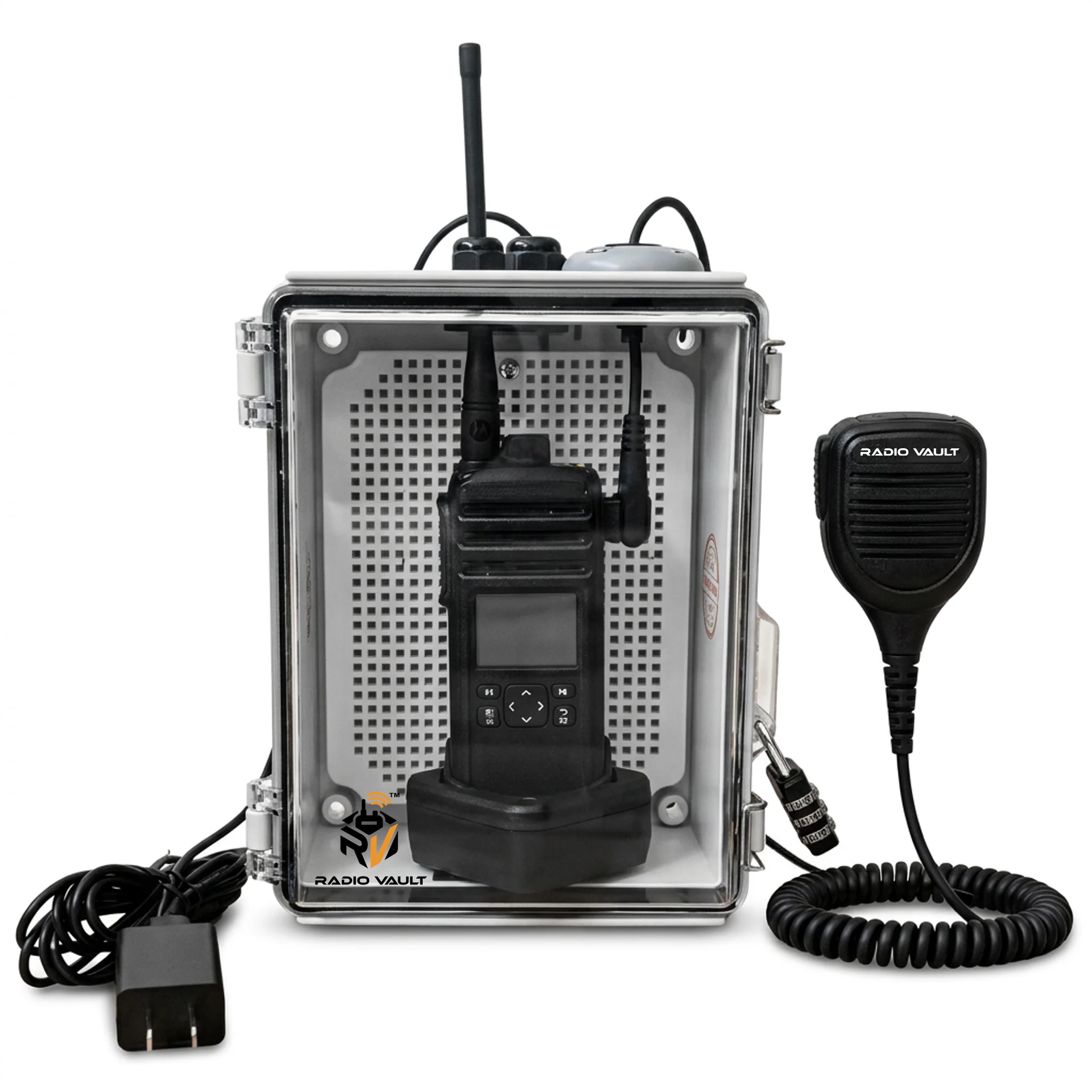
For a small team, a Radio Area at the leasing or maintenance office gives one obvious place radios belong when not in someone's hand — replacing the informal 'wherever it ends up' pattern with a fixed, locked, charging home base. Because the team is small, even one missing radio is a proportionally bigger loss, so the accountability a fixed station creates matters more here than the headcount might suggest.
Deployment guidance for this environment
- Mount in the leasing office or maintenance shop where staff already check in at the start and end of the day
- For multi-site portfolios, place a station at each property's maintenance office rather than one central point across sites
- Keep it near where keys or work-order boards are already managed, reinforcing the same daily habit
- Use standard office or shop power — no special infrastructure needed for most property offices
Questions worth answering before you deploy
- Does staff coverage span multiple properties, and if so, does each site need its own station?
- Is there a lightweight check-in step tied to existing key or work-order procedures?
- How many radios does the team actually need on hand versus how many are currently in circulation?
- Who is responsible for noticing a radio hasn't come back at the end of the day?
Confirm your radio model first.
Because each unit is built around one radio model, we recommend confirming your exact make and model number with us before you order. Send us the model and we will confirm the speaker microphone and charging cable configuration for it — that way the unit works the moment it is mounted.
Go deeper
RadioVault Radio Enclosure
A lockable, clear-front enclosure that secures a shared radio in place and keeps it charging between users.
Read more →How to Prevent Two-Way Radios From Getting Lost
A practical process for keeping shared handhelds accounted for: fixed home locations, shift checks, ownership, and physical controls that actually hold up.
Read more →Other environments with the same problem
Warehouses & Distribution Centers
Shift handoffs, wide floors, and shared handhelds that never come back to the same place twice.
Read more →Manufacturing
Line-side communication that has to survive noise, shift rotation, and constant handling.
Read more →Security Operations
Post-to-post radio handoffs where a dead battery is a coverage gap.
Read more →Ready to secure your radios?
Buy a configured RadioVault on Amazon, or tell us about your facility and we will scope the deployment with you.
Not sure your radio is a match? Confirm your radio model before you order.